
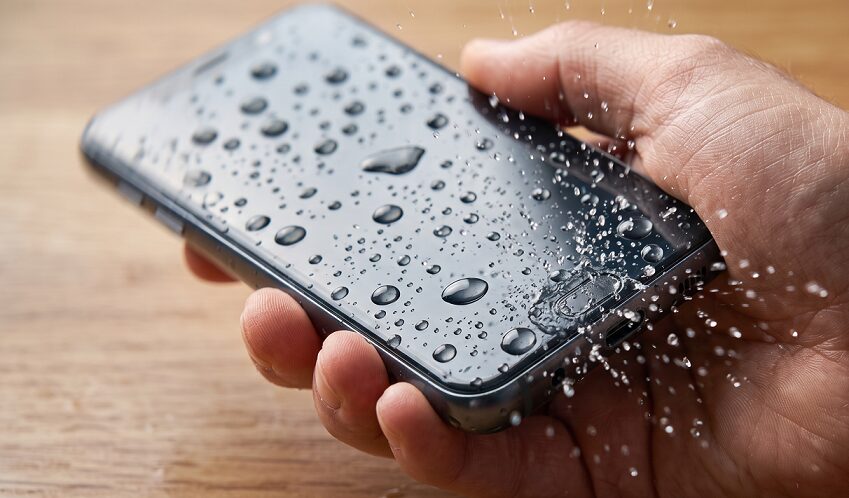
Whether you accidentally dropped your phone in the toilet or spilled a drink on it, discovering that your phone won’t turn on after water damage is a moment of pure panic for anyone. Even though 2026’s latest flagship models boast impressive water resistance, internal flooding can still happen due to impact damage, tiny gaps in the seal, or excessive water pressure.
A blank screen is a serious warning sign that a short circuit is happening somewhere inside your device. Panicking and making the wrong move at this stage could end up costing you hundreds of dollars in motherboard replacement fees. Here’s what you should absolutely avoid doing during that critical first hour, along with the correct steps to save your precious data.
What Should You Stop Doing Immediately When Your Phone Won’t Turn On After Water Exposure?
When a device stops working, the instinct to try random fixes right away often does more harm than good. Here are five things you should never do.
-
Don’t force the power button repeatedly. Mashing the power button because the screen won’t light up is dangerous for the motherboard. Any leftover moisture inside can meet the electrical current and burn out microscopic circuits beyond repair.
-
Never plug in a charger. Supplying power while moisture is still present in the battery terminal or charging port dramatically speeds up corrosion. Even the moisture-detection sensors on newer devices can’t be fully trusted once water has gotten inside.
-
Don’t shake the device vigorously. Shaking your phone to get rid of surface water actually pushes moisture deeper inside through the speaker holes or charging port, potentially reaching the camera module or internal sensors.
-
Skip the hair dryer, especially hot air. The rubber gaskets and adhesives that make up your phone’s waterproof sealing are extremely heat-sensitive. Hot air melts these seals, accelerating water intrusion, and can also warp display components, causing further damage.
-
Don’t blow on it to dry it out. Human breath carries trace amounts of moisture. Worse, blowing air with force can push surface water droplets further into the motherboard rather than out.

3 Emergency Steps to Save Your Golden Hour When Your Phone Won’t Power On
If your phone won’t turn on after water damage, follow these emergency steps in order to minimize further harm.
Step 1: Power Off Immediately and Wipe Away Surface Moisture
If the phone is already off, leave it that way — don’t try to turn it on. If the screen is flickering but still on, power it down completely right away. Then gently wipe away surface moisture using a soft, dry towel or microfiber cloth.
Step 2: Remove Accessories and Trays
Take off the case immediately, and remove the SIM tray and microSD card slot if applicable. Since most modern devices have built-in, non-removable batteries, simply popping out the tray creates a small airflow channel that helps moisture escape from inside.
Step 3: Air-Dry Naturally and Use a Desiccant
Stand the device upright in a shaded, well-ventilated area away from direct sunlight. Placing silica gel packets (the kind found in shoeboxes or vitamin bottles) in a sealed ziplock bag along with your phone is far more effective at absorbing internal moisture than air-drying alone.
DIY Drying vs. Professional Service Center: Which Should You Choose?
Many people assume that drying their phone at home for a few days will solve the problem, but internal corrosion often progresses silently and invisibly. Use this table to figure out the right approach for your situation.
What If Your Phone Fell Into Saltwater or a Sugary Drink?
If your phone ended up in seawater, coffee, soda, or detergent, you need to move much faster than in a typical water-damage scenario.
-
Salt and sugar are the motherboard’s worst enemies. Salt and sugar residue corrodes circuits over 10 times faster than plain water. Once these substances dry, they turn sticky and cling to the circuitry, causing irreversible damage.
-
Rinse it out, don’t let it sit. Counterintuitively, briefly rinsing the device under clean tap water for about a minute — using gentle water flow, not high pressure — can actually help wash away salt or debris and reduce the risk of secondary corrosion compared to just letting it sit.
-
Head straight to a service center. In these cases, air-drying alone can never fully remove microscopic residue inside the device. Even if the phone powers on again after drying, it often fails suddenly days later, so a professional cleaning and inspection is essential.
Conclusion: What You Do in the First Hour Determines Your Repair Bill
The single most important thing to know during a phone water-damage emergency is exactly what not to do. If your phone won’t turn on after water damage, simply avoiding extra power supply and excessive heat can save you more than 90% of potential repair costs.
Modern smartphones in 2026 are built with such precision that thorough internal drying is nearly impossible without professional equipment. Remember these three critical points right now.
-
Never try to power it on or plug in a charger.
-
Only wipe away surface moisture, and remove the SIM tray.
-
Visit an official service center within 24 hours if at all possible.
The surest way to protect your precious photos, contacts, and other data is to seek professional help immediately. Don’t wait — look up the nearest service center’s phone number and location right now.